- Página de inicio /
- Libros /
- Computer & Technology Books /
- Data Modeling & Design Books /
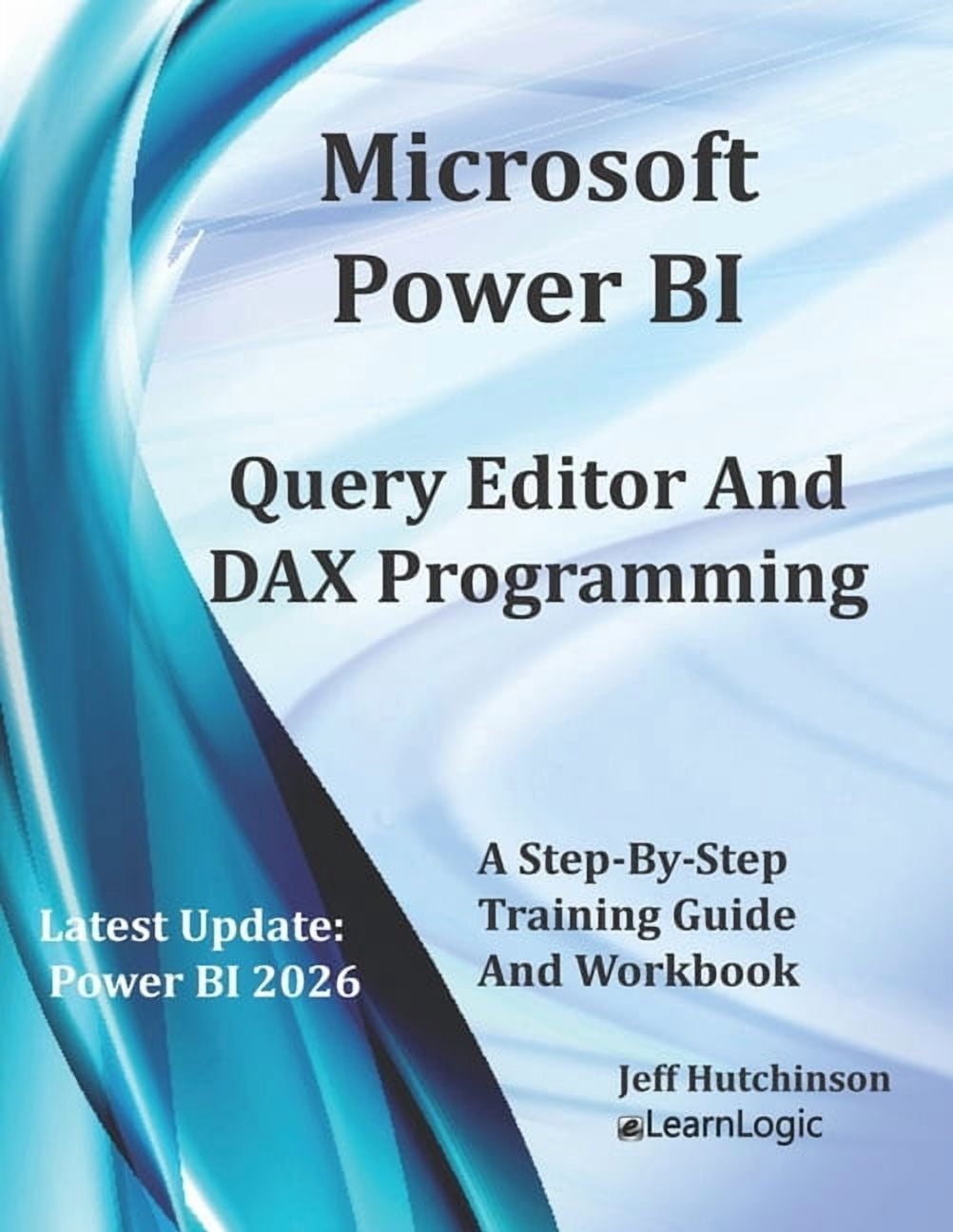
- Microsoft Power BI Query Editor and DAX Programming, (P...
0 ratings


Nº de artículo:
248253940
Microsoft Power BI Query Editor and DAX Programming, (Paperback)
Nº de artículo:
248253940
USD 32
Price Details
Excluding Shipping & Custom charges ( Shipping and custom charges will be calculated on checkout )
*All items will import from Estados Unidos
0 ratings
Escribe una opinión
En stock
 Importado de la tienda USA
QTY:
Solo quedan 99 artículos en stock.
Haz tu pedido ahora y recíbelo por ahí Sunday, Octubre 25
Secured transaction
Ubuy works hard to protect your security and privacy. Our advanced payment security system ensures confidentiality by encrypting your information during transmission using AES (Advanced Encryption Standards) and SSL (Secure Socket Layer) protocols. Your payment details are 100% secure as we do not share your payment details with third party sellers.
Our Top Logistics Partners


Unlock the potential of your data with powerful query and DAX programming techniques, and transform your business intelligence today!

Fast
Shipping

Free
Return*

Secure Packaging

100% Original Products

PCI DSS Compliance

ISO 27001 Certified



Detalles de producto
- In this workbook/guide, we will cover many behind-the-scenes capabilities of Power BI. We will use the Power BI Desktop tool to get data, the Power Query Editor to filter the data source, and use the DAX programming language to adjust the results.******** Obtain Your PDF Copy and Recorded Videos ********This workbook includes PDF Download and Video Clip of each practice exercise. Refer to the Workbook Introduction for instructions on where to send an Amazon receipt. To see an example clip: www.elearnlogic.com Get Data - The first step is to use the Get Data command in order to extract records from many different data sources such as Excel, Access, SQL, etc. Once you Get Data, you will then choose a specifically desired table or sheet. Then, you can Load all data or Transform data to clean up any undesired records. Query Editor - Databases are becoming very large and now contain more records than what is necessary to build Reports. When you choose to Transform, it will open the Query Editor interface which is used to filter records, correct many database glitches, clean up data, fix anomalies, and transform, or shape data source information. It can also be used to fix misspellings, clarify labels or columns containing wrong data types, automatically merge two data sources into a single table, adjust columns(fields), adjust rows (records), split columns, combine columns, replace information, transpose an entire table, and sort columns. DAX Programming - In these chapters, you will learn the DAX (Dynamic Analysis Expressions) program language for business intelligence data modeling and analysis techniques. It will explain how to change the behavior of records and Reports based on the DAX function and allow you to create new columns that are not already contained in a database. DAX contains most of the Excel functions, but it also has a built-in record-filtering capability to pull data based on specific criteria. Also, if a user applies a filter in Power BI, it might skew the results. However, DAX will allow you to extract records and ignore any locally applied filter. The workbook explains DAX formula terms, basic structure, and common development techniques. Also included, is how to create New Columns in a table, custom calculations known as Measures, as well as how to create New Tables. Chapter Concepts Covered: Chapter 1 - Get DataThis will extract a data source from a database such as Excel, Access, etc, The sections covered include Power BI Interface, Field List More Options, Report View / Home Ribbon Tab, Report View / Insert Ribbon Tab, Report View / Modeling Ribbon Tab, and Connection Techniques.
| Manual & guide type | Instruction Manual |
| Book format | Paperback |
| Edition | 1 |
| Skill level | Intermediate |
| Pages | 192 |
| Language | English |
| Brand | Jeff Hutchinson |
| Pub date | 2023-05-29 |
| Author | Independently Published |
| Subgenre | Data Science |
| Genre | Computing & Internet |
| Bisac subject heading | Computers |
| Series title | No Series |
| Dimensions | 8.50 x 0.41 x 11.00 in (21.6 x 1 x 27.9 cm) |
| Educational level | General |
| Age group | Adult |
| Retail packaging | Single Piece |
| Original languages | English |
DESCRIPCIÓN DEL PRODUCTO
Microsoft Power BI Query Editor and DAX Programming, (Paperback)
¿Tienes alguna consulta? Chatea con nosotros
Preguntas y respuestas de los clientes
-
Pregunta:
¿Cómo comprar Microsoft Power BI Query Editor and DAX Programming, en línea desde Ubuy?
Respuesta: Es fácil comprar Microsoft Power BI Query Editor and DAX Programming, en línea desde Ubuy.. Solo tiene que buscar el producto, elegir su método de envío al pagar y recibirlo en su ubicación. -
Pregunta:
¿Está Microsoft Power BI Query Editor and DAX Programming, disponible para comprar en línea en El Salvador?
Respuesta: Sí, en Ubuy El Salvador, este producto está disponible para que lo compre a un precio razonable.. El Microsoft Power BI Query Editor and DAX Programming, no está disponible localmente, pero puede confiar en nosotros con nuestros servicios de envío exprés. -
Pregunta:
¿Cuánto tiempo se tarda en obtener el producto después de realizar el pedido?
Respuesta: El tiempo de entrega de su producto pedido varía según lo que haya pedido y el método de envío que haya elegido.. El tiempo de entrega estimado se menciona durante el proceso de pago, así que no se preocupe mientras compra.
Jeff Hutchinson Data Modeling & Design Books Editorial Review
Microsoft Power BI Query Editor and DAX Programming is an essential guide for those seeking to enhance their skills in data manipulation and visualization. With 192 pages of insightful content, this paperback edition by Jeff Hutchinson provides a well-structured approach to understanding Power BI's query editor and DAX programming. It's designed for adults interested in delving into data science and computing, making it a great resource for both beginners and experienced analysts. The book's user-friendly format, coupled with its easy-to-understand language, helps bridge the gap between complex concepts and practical application, ensuring readers can maximize their Power BI experience.
Customer Reviews & Ratings
1 valoraciones de los clientes
-
5 estrella
100%
-
4 estrella
0%
-
3 estrella
0%
-
2 estrella
0%
-
1 estrella
0%
Revisar este producto
Comparte tus ideas con otros clientes
ventajas
- Comprehensive coverage of Power BI features
- User-friendly language for all skill levels
- Well-structured format for easy navigation
- Suitable for both beginners and experienced users
- Focus on practical applications in data science
Contras
- No digital format available for ebook readers
Product Price History
Información importante
- Limitaciones: Para los productos enviados al extranjero, ten en cuenta que cualquier garantía del fabricante puede no ser válida; las opciones de servicio del fabricante pueden no estar disponibles; los manuales del producto, las instrucciones y las advertencias de seguridad pueden no estar en los idiomas del país de destino; los productos (y los materiales que los acompañan) pueden no estar diseñados de acuerdo con las normas, especificaciones y requisitos de etiquetado del país de destino; y los productos pueden no ajustarse al voltaje del país de destino y a otras normas eléctricas (lo que requiere el uso de un adaptador o convertidor, si procede). El destinatario es responsable de asegurarse de que el producto puede ser importado legalmente al país de destino. Cuando hagas un pedido a Ubuy o a sus filiales, el destinatario es el importador registrado y debe cumplir todas las leyes y normativas del país de destino.
- No todos los productos que aparecen en Ubuy están a la venta, ya que Ubuy es un motor de búsqueda a nivel mundial. Los productos están sujetos a las normas de exportación/comercio.
USD 32
Haz tu pedido ahora y recíbelo por ahí Sunday, Octubre 25
This item is not restrict in my country.(Please click on above link if this item is not restrict in your country, So our team will review and allow.)
QTY:
Solo quedan 99 artículos en stock.
Secured transaction
PCI DSS compliant and ISO 27001:2022 certified, with encrypted payments and full buyer protection on every order.
Our Top Logistics Partners
Fastest cross-border delivery
características y beneficios
- Comprehensive guide to Power BI Query Editor and DAX Programming.
- Learn to extract and filter data from various sources seamlessly.
- Discover techniques to clean, transform, and shape your data effectively.
- Master DAX for dynamic data modeling and advanced analysis.
- Includes PDF downloads and instructional videos for enhanced learning.
- Perfect for anyone looking to elevate their business intelligence skills.
Ubuy Assurance
Experience worry-free shopping with 100% original products, PCI DSS-compliant payment security, ISO 27001-certified data protection, the fastest cross-border delivery, free returns *, and secure packaging on every order.